Music Production Software That Runs in Your Browser
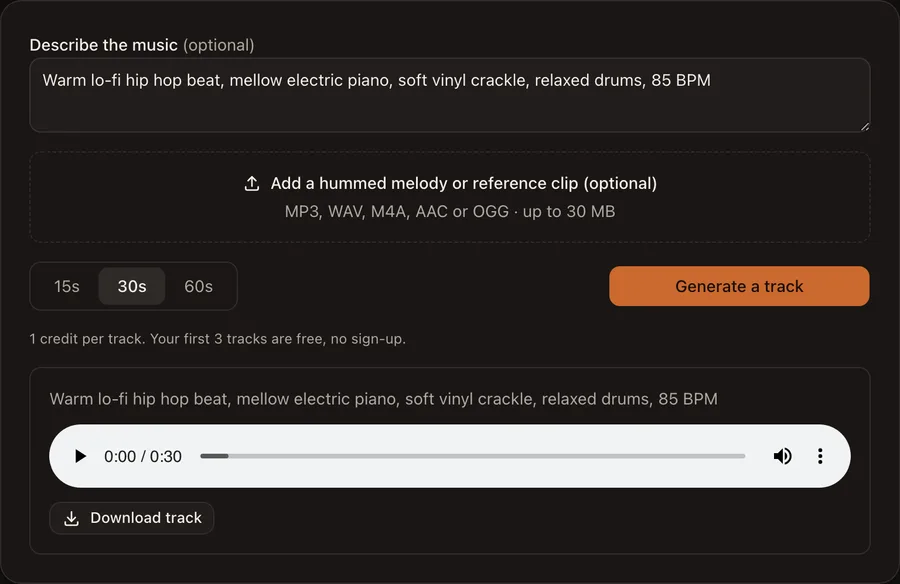
1 credit per track. Your first 3 tracks are free, no sign-up.
Tracks made here
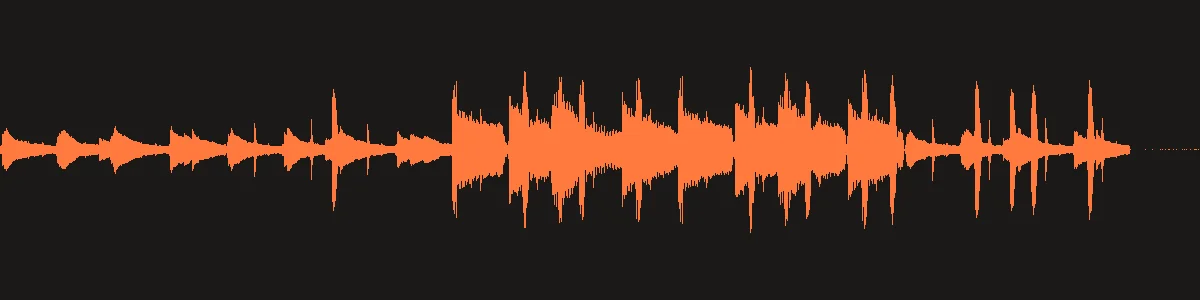
Lo-fi hip hop beat, 30 seconds
Prompt: “Warm lo-fi hip hop beat, mellow electric piano, soft vinyl crackle, relaxed drums, 85 BPM”
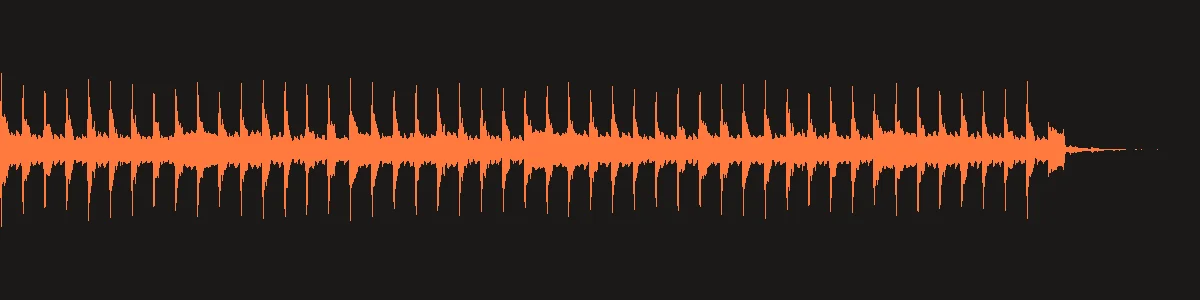
Synthwave, 30 seconds
Prompt: “Energetic synthwave, pulsing analog bass, bright arpeggios, gated reverb drums, 110 BPM”
What is music production software?
Music production software is the program you use to record, arrange, mix and export a song. Traditionally that means a desktop DAW (digital audio workstation) that you install and pay for. MusicProductionAI is a music production app that runs online instead: open the page and you can generate a track with AI, record over it in the browser DAW, and pull any song apart with the AI stem splitter. Nothing to download, no license key.
If you have searched for AI music production software or an AI DAW, this is that idea in its simplest form: describe the music or hum a melody, and the software produces the first draft for you to keep, edit or build on.
How to make a track in three steps
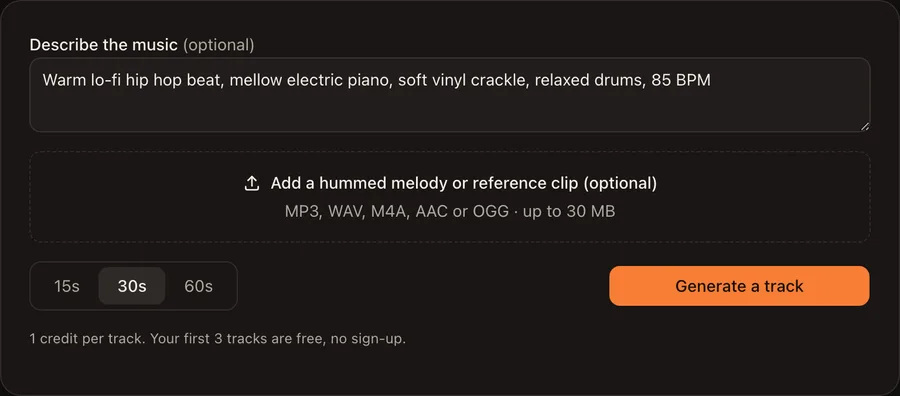
1. Describe it or hum it
Type a few words about genre, mood, instruments and tempo, or upload a hummed melody or reference clip. You can also leave it empty.
2. Pick a length
Choose 15, 30 or 60 seconds. Every length costs 1 credit.
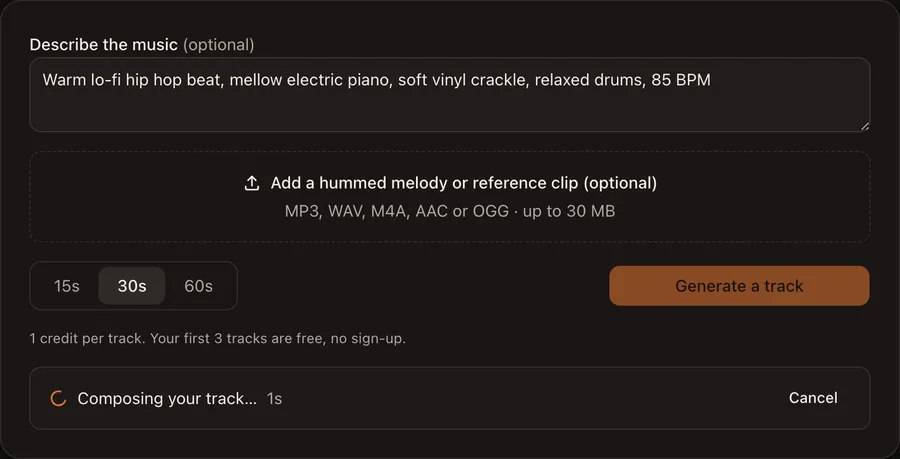
3. Generate and download
Press Generate a track. The player appears right under the button. Download the file, then import it into the DAW to record over it.
How much does it cost?
Each track costs 1 credit, whatever its length (15, 30 or 60 seconds). Your first 3 tracks are free and need no account. Sign up and you get 3 more free credits. After that, credits come in one-time packs: 30 credits for $9 or 80 credits for $19, which works out to $0.24 per track on the larger pack. If a generation fails, the credit is refunded automatically. The browser DAW is free and uses no credits.
Do I need a subscription?
No. There is no subscription on MusicProductionAI. You can generate your first tracks without even creating an account. When you want more, you buy a credit pack once; credits never expire. An account keeps your tracks and credits together across devices.
How long does it take?
In our tests a 30-second track took 15–20 seconds from the click to a playable file. Splitting a song into stems took about 25 seconds for a 30-second clip and about 40 seconds for a 2-minute song.
Best music production software in 2026
The right tool depends on where you start and what you pay. Here is how the common options compare for beginners, budget and platform. Prices are from each maker’s site, checked November 2026.
| Software | Best for | Price | Runs on |
|---|---|---|---|
| MusicProductionAI | Beginners who want a finished track in seconds | 3 free tracks, then credits | Any browser (Windows, Mac, Linux, phone) |
| MusicProductionAI DAW | Recording and arranging without installing anything | Free | Any desktop browser |
| GarageBand | Beginners on a Mac | Free | Mac, iPhone, iPad |
| FL Studio | Beat makers and hip hop producers | From $99, one-time | Windows, Mac |
| Ableton Live 12 | Electronic music and live performance | $99 Intro, $349 Standard, $749 Suite | Windows, Mac |
| Logic Pro | Mac producers who want a full studio | $199.99 one-time, or $12.99/month | Mac |
| REAPER | Tight budgets and any operating system | $60 personal, $225 commercial | Windows, Mac, Linux |
Need to remix or practice over an existing song? Split it into stems first with the AI stem splitter.
What you can do here
- Generate a track from text. Describe genre, mood, instruments and tempo; get an instrumental track of 15, 30 or 60 seconds.
- Generate from a hummed melody. Upload a hum or a reference clip and the new track follows its shape.
- Record, arrange and mix in the browser DAW: up to 8 tracks, microphone recording, audio import, volume, mute and solo, a click track, and WAV export.
- Split any song into stems with the AI stem splitter: vocals, drums, bass and other, each as its own MP3.
Frequently asked questions
What is MusicProductionAI?+
MusicProductionAI is music production software that runs in your browser. It has three tools: an AI track generator that turns a text prompt or a hummed melody into a finished track, a multitrack DAW for recording and mixing, and an AI stem splitter that separates a song into vocals, drums, bass and other.
Is it free?+
Each track costs 1 credit, whatever its length (15, 30 or 60 seconds). Your first 3 tracks are free and need no account. Sign up and you get 3 more free credits. After that, credits come in one-time packs: 30 credits for $9 or 80 credits for $19, which works out to $0.24 per track on the larger pack. If a generation fails, the credit is refunded automatically. The browser DAW is free and uses no credits.
Do I need to sign up?+
No. Press Generate a track and you get 3 free credits without an account. Create an account to keep your tracks and get 3 more credits; anything you made as a guest moves to the new account.
Can I use the music commercially?+
Yes. The AI models this site runs are licensed for commercial use, and we claim no rights over what you generate. You can use your tracks in videos, games, podcasts and releases. Don’t upload reference audio or songs you don’t have the rights to.
What happens to the files I upload?+
Uploads and results are stored privately; only your account can download them. Uploaded files are deleted automatically after 7 days and results after 30 days, so download what you want to keep. We don’t use your files to train models. Recordings you make in the DAW never leave your browser.
Who owns the copyright of the generated music?+
We claim no ownership of your tracks. Note that in the United States, the Copyright Office has said that music generated entirely by AI, without enough human authorship, can’t be registered for copyright. Adding your own recording, arrangement or lyrics in the DAW strengthens your claim.
How is this different from FL Studio or Ableton Live?+
FL Studio and Ableton Live are desktop DAWs you install and buy a license for, with deep editing, plugin support and MIDI. MusicProductionAI opens in a browser tab, starts from an AI-generated track instead of a blank project, and its DAW covers recording, arranging, simple mixing and WAV export. Use it to sketch ideas fast; move to a desktop DAW when you need detailed editing.